A CRM is the software where a company keeps track of its customers, what it has discussed with each one and what it has pending with them. For a small business it mainly serves three purposes: no quote is left without a reply, the software alerts you to who needs a call and anyone on the team can see a customer's history without asking. In Spain, 33.9% of companies with 10 or more employees and internet access use it, according to INE.
If you currently keep all that in a notebook, an Excel sheet, or in your head, you already have a CRM. The catch is that it depends on no one forgetting anything. Below we explain exactly what it is, what it does day to day, what it doesn't do, and the signs that it's time for you to take the step.
What is a CRM, without jargon
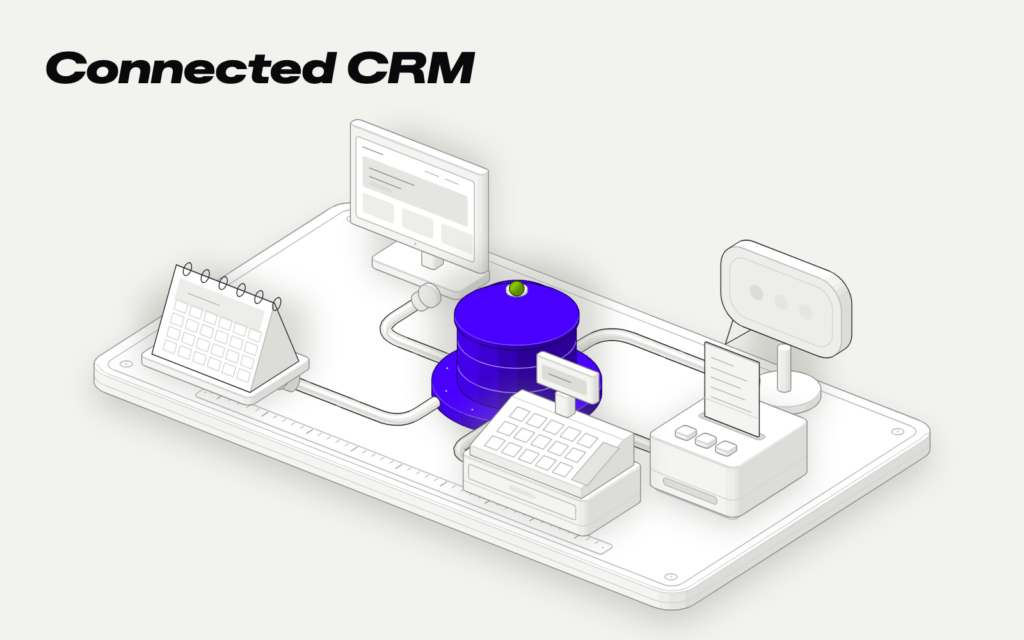
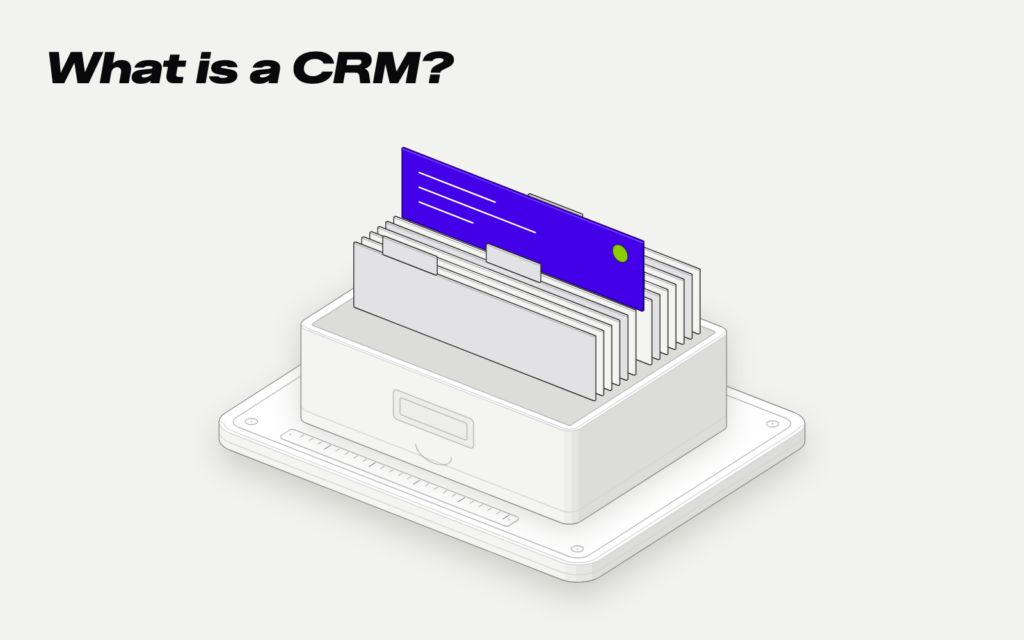
CRM stands for customer relationship management. Simply put, it is a customer address book that remembers everything. Each customer has their own record, and it holds what they have asked you for, what you have offered them, when you spoke, and what was left pending.
The difference from a spreadsheet is that a CRM works for you. It reminds you of calls, shows you which quotes are still open, and saves each customer's emails and messages in their record.
| Situation | Without a CRM | With a CRM |
|---|---|---|
| You send a quote | You wait for them to call | It alerts you after 5 days if they haven't replied |
| A customer calls | "Who helped them last time?" | You see their history on the screen |
| A salesperson leaves | Their contacts go with them | The records stay with the company |
| You want to know how the month is going | You go through emails and notebooks | You see it on a dashboard |
The number of days in the table is an example. Each company decides when it wants the reminder.
What it is for day to day
Where a CRM makes the biggest difference is in what happens between someone asking you and paying you. These are the tasks where a small business notices it first.
Tracking quotes. A renovation company sends 30 quotes a month and doesn't know how many are still open. With a CRM, each quote has its status, and on Monday morning you see the list of those no one has replied to. Calling those customers in time is money that was already almost won.
No call goes unanswered. An academy gets inquiries through the website, by phone and through WhatsApp. Each one enters the CRM with its source, and if no one handles it within a day, an alert goes off. That way, the Friday afternoon inquiry doesn't get lost.
Have the history at hand. At a distributor, a customer calls and asks about “the thing from last time.” Whoever answers the phone opens the record and sees the orders, the issues and what was promised to them. It doesn't matter who handled them before.
Know where customers come from. If you note down how each one found you, after a few months you know whether ads, referrals or Google bring you more work. That helps you decide where to spend.
None of these things is complicated. Doing them every day when there's work is hard, which is why a program should remind you.
The signs you already need it
Not every business needs a CRM. A freelancer with ten regular clients manages fine with their calendar. These are the signs that your notebook or Excel is no longer enough:
- You find out late that a customer accepted someone else's quote.
- More than one person handles customers and each one keeps their own list.
- People write to you from several places and sometimes you don't know who has replied.
- When someone goes on vacation, their customers are left on hold.
- You couldn't say how many quotes you have open right now.
- Your customer sheet has three versions and none is up to date.
If you recognize yourself in two, it's already worth trying a CRM. If it's four or more, you're most likely losing sales without realizing it.
One more clue. If the phrase “so-and-so handles that” comes up a lot in your company, what you know about your customers is in each person's head. With a CRM, that moves into the company.
What a CRM doesn't do
It's good to know this before looking for one, because it's easy to expect too much.
It tells you who to call and when, but a person still makes the call. If no one opens the program, it's useless, so the best CRM is the one your team uses without complaining.
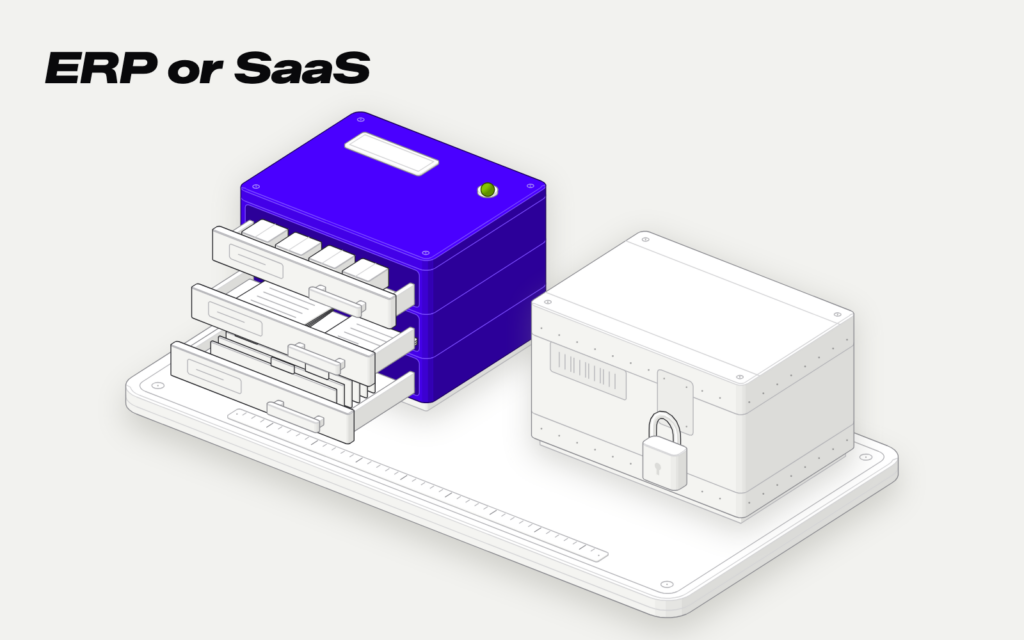
It doesn't handle accounting or inventory either. That's what an ERP is for, the management software that controls stock, purchases and invoices. Many companies have both and connect them, so that a quote accepted in the CRM becomes an order without copying it. In Custom ERP or SaaS you can see how they differ. INE says ERP is more widespread: 60.9% of companies with 10 or more employees use it, almost double that of CRM.
And it doesn't fix a process that doesn't exist. If no one in your company knows what happens after you send a quote, the CRM will make it very clear. Before choosing a program, write down on paper the steps a customer follows from asking to paying.
An off-the-shelf CRM, a free one or a custom one
There are three paths, and the choice depends on how many people will use it and how similar your way of selling is to everyone else's.
| Option | When it fits | What to look at |
|---|---|---|
| Free CRM | You're starting out and there are one or two of you | What you pay when you grow |
| Subscription CRM | Your way of selling is standard | The per-user fee each month |
| Custom CRM | Your steps don't fit an off-the-shelf program | Development and maintenance |
There are CRMs with a free version, like HubSpot, that help you start getting organized. Subscription ones charge a monthly fee per user, and that fee grows with the team. A custom one is paid for upfront and is built around your steps and your names for each thing.
If you want the numbers for each path, in how much a custom CRM costs you can see what drives the price up, and in Custom CRM, Salesforce or HubSpot the calculation with a sales team.
Whichever one you try, start with the basics. Customer records, quote statuses and alerts. The rest gets added once the team is already using it every day.
Our custom CRM starts at €9,000 + VAT, with no per-user fee, and we give you the fixed price before we start. In custom CRM you can see what it includes and how we do it, and in prices, everything else. We reply Monday to Friday, from 9:00 to 19:00, in less than 2 hours.
Sends dozens of window quotes a month and doesn't know which ones are still waiting for a reply.
Each quote goes into the CRM with its status and the date it was sent. If the customer doesn't reply within a few days, it alerts whoever sent it so they can call. The measurements, photos and what was discussed are saved in the customer record.
from€9,000